What you'll learn
1. Fundamentals of Computer
This topic covers the basic concepts of computers and how they work.
- What is a Computer: An electronic device that processes data into information.
- Components:
- Hardware: Physical parts (CPU, keyboard, monitor, mouse)
- Software: Programs and applications (Windows, apps)
- Types of Computers: Desktop, laptop, tablet, supercomputer
- Operating System: Software that controls the computer (e.g., Windows)
- Basic Operations: Input → Processing → Output → Storage
- Uses: Education, business, communication, entertainment
2. MS Office (Word, Excel, PowerPoint)
MS Word
Used for creating documents like letters, reports, resumes.
- Features: Typing, formatting text, inserting images, tables
- Tools: Spell check, page layout, printing
MS Excel
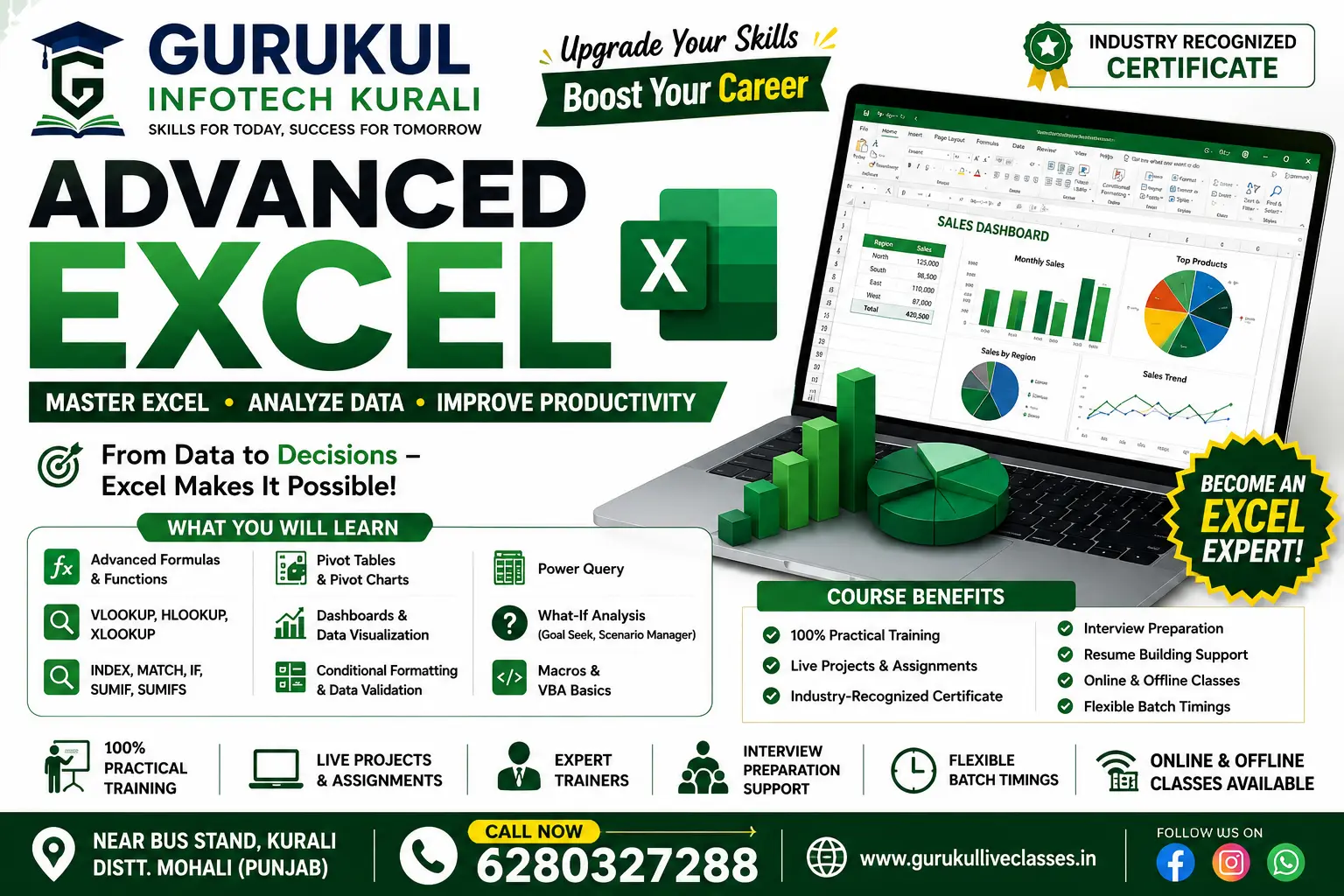
Used for data management and calculations.
- Features: Rows & columns, formulas, charts, tables
- Uses: Budgeting, data analysis, record keeping
MS PowerPoint
Used for creating presentations.
- Features: Slides, animations, transitions, images, videos
- Uses: Teaching, business presentations, projects
3. Working with Printer & Scanner
Printer
Device used to print digital documents on paper.
- Types: Inkjet, Laser
- Functions: Print text, images, documents
- Basic Steps: Connect → Install driver → Print file
Scanner
Device used to convert physical documents into digital form.
- Uses: Save documents, share online, email
- Types: Flatbed scanner, document scanner
4. Typing (English & Punjabi)
English Typing
- Typing using QWERTY keyboard
- Focus on speed and accuracy
- Common tools: Typing software, online practice websites
Punjabi Typing
- Typing in Punjabi language (Gurmukhi script)
- Tools:
- Punjabi keyboard layout
- Software like Indic Input or Google Input Tools
- Uses: Government work, local communication, documentation
Show More
Course Syllabus
1 FUNDAMENTALS OF COMPUTER
2 MS OFFICE (WORD, EXCEL, POWER POINT)
3 WORKING WITH PRINTER & SCANNER
4 TYPING (ENGLISH & PUNJABI)

 Bestseller